Manual invoices issued by your company (Sales)
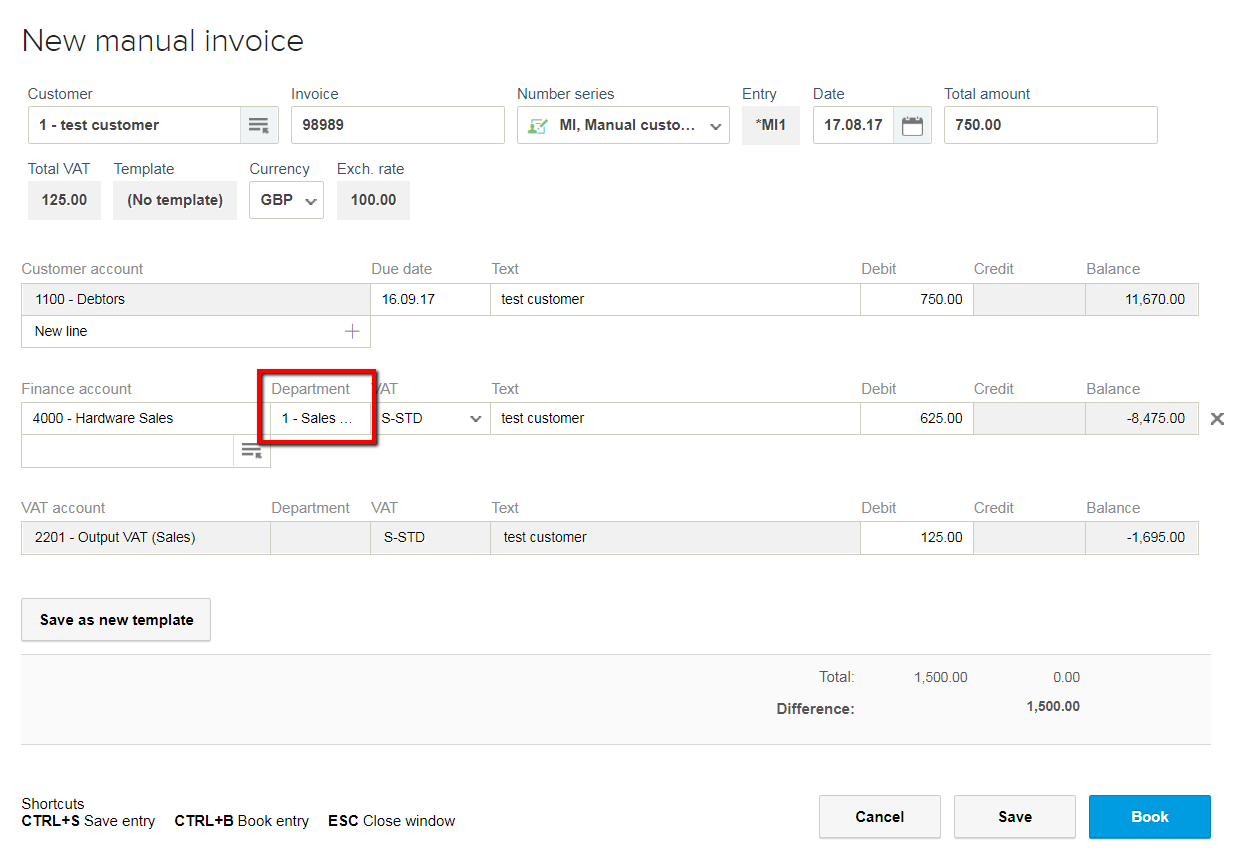
When you issue a manual invoice, and you have activated the add-on module of Departments, you will notice an additional field along with the account, where you can define the department you previously created. The income from this invoice will be linked to the department you have defined. You can check the expenses and income in the department’s profit/loss report.
Include Dimension/Department (Sales)
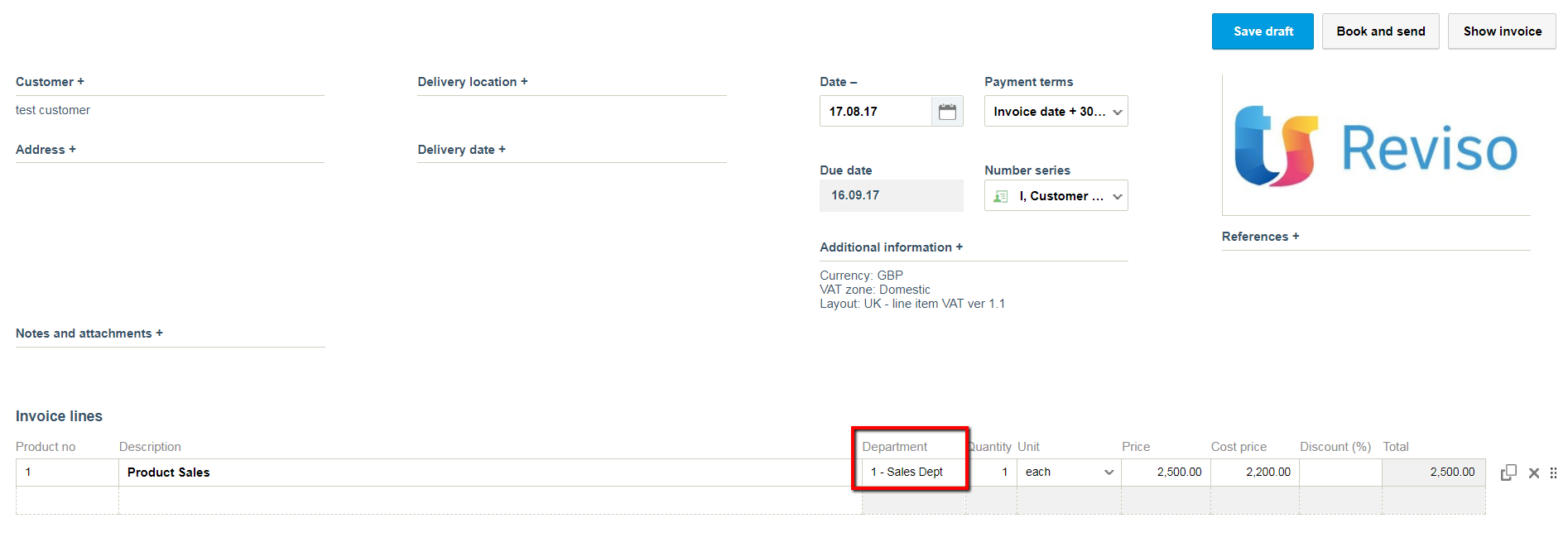
When you create an invoice, and you have activated the add-on module of Departments, you will notice an additional field along with the product, where you can define the department you previously created.
The income from this invoice will be linked to the department you have defined. You can check the expenses and income in the department’s profit/loss report.