For every new project you create it's mandatory to link it to a project group. This defines the type of project you're creating for billing purposes. The selection is:
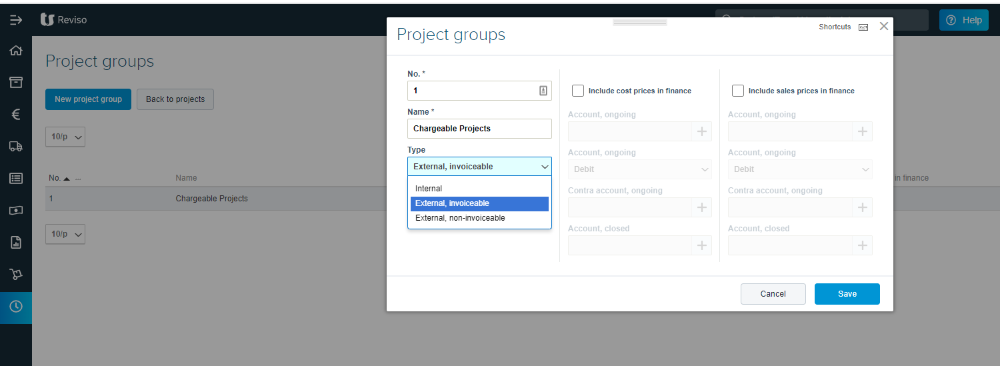
Internal - this is normally used for hours spent in the office working on non project activities and can also cover annual leave, sickness etc.
External, invoiceable - the majority of your projects would normally be linked to this type indicating you would want to charge out all costs.
External, non-invoiceable - this type would relate to any costs that although related to a project cannot or should not be charged back to the client. An example of this would be the work carried out to tender for a project.