Projects templates can be created and then applied when creating a new project.
These are located within Project > Project templates.
The fields contained are:
Name
Project group
Person Responsible
Status
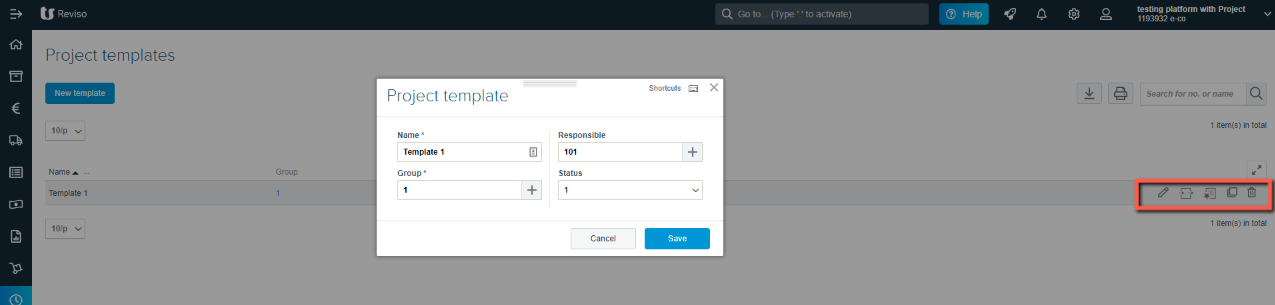
Once the template has been created you can then add more information in form of selected activities and special/specific prices with cut-off dates etc. These icons can be found to the far right of each project template created.
Templates can also be copied and then amended or deleted.