How to Edit Units in My Invoices
When you send an invoice to your customer, you can use the Units column to specify what you are invoicing such as a number of hours, kg, pieces, etc.

Reviso’s default setup provides you with a short list of the most common units. You can edit, delete or create new units whenever you want. You can find your list of units under Settings > All Settings > Categories and Units > Units, or Sales > Configuration > Units.
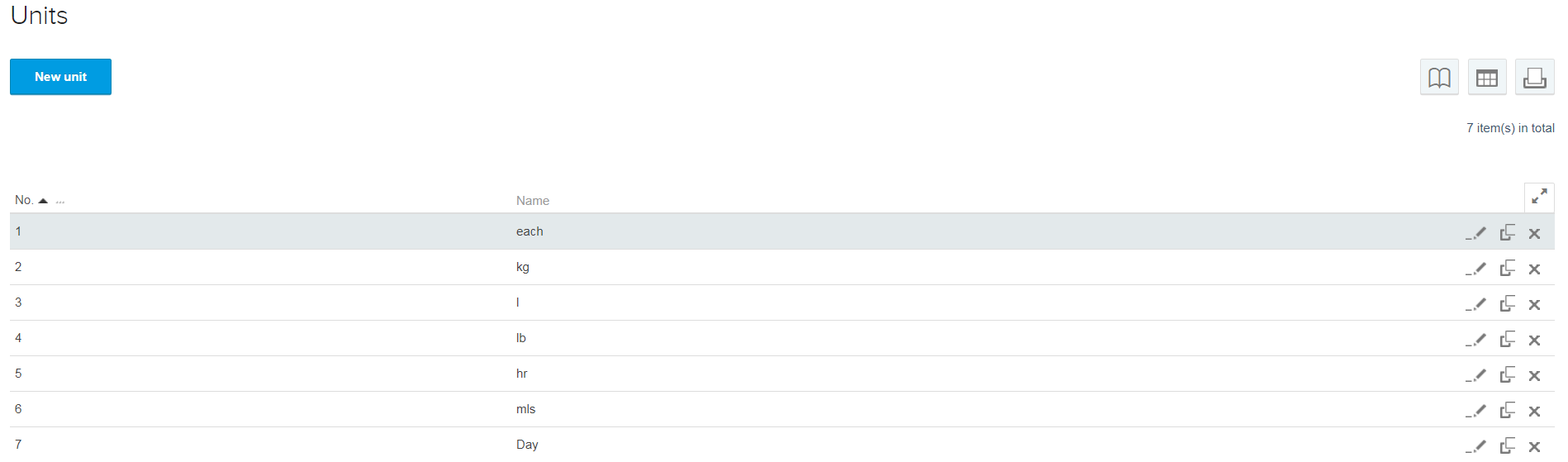
Should you wish to create a new unit click ‘New Unit’ and enter the details. When creating your sales invoice you will see the selection from the Unit area within the invoice. Having the adequate units in your list will allow you to use them when creating invoices.