The Customer Balance List or aged debtor report allows you to view the overdue amounts by customer to a specified date.
This report can be run showing the total amount outstanding or, a detailed report showing all invoices making up the total amount outstanding for each customer.
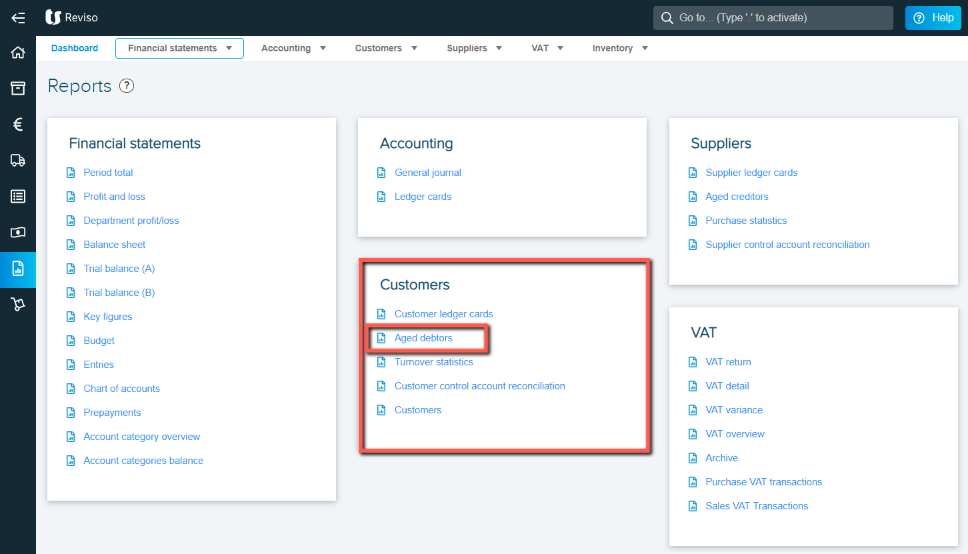
To run this report go to Reports > sales > aged debt report.
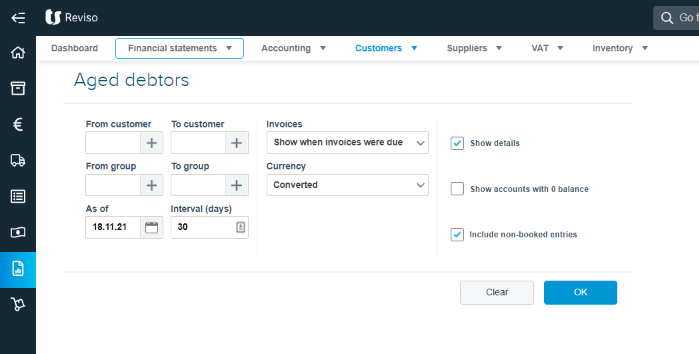
You can run this report for the current date or, a specific date period and you will see a retrospective report.
If you leave the from customer to customer and from group to group blank the report will be based on all customers alternatively you can run this for one customer.
You can show a detailed report by ticking Show details and include non booked entries (draft entries) which could include draft customer payments by ticking the box to the right.