Please go to Settings > All Settings > Company > Master Information, here you will find the option to Add logo.
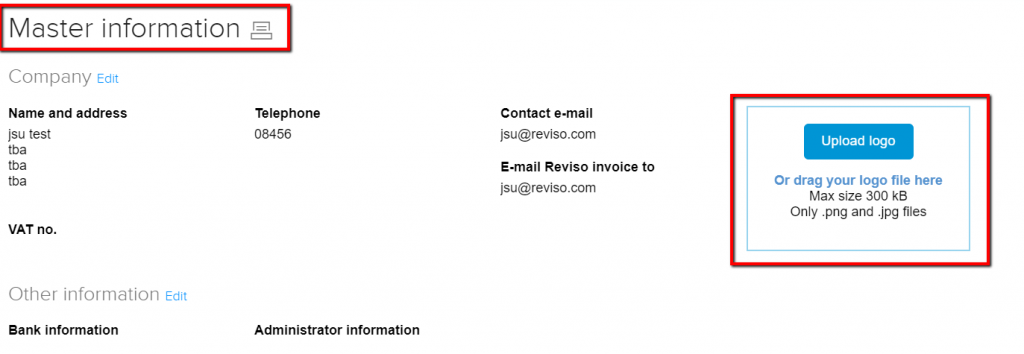
Click on Upload logo and select your logo from your computer. Reviso will by default upload the logo on all your invoices in the upper right corner.You can change or update your logo whenever you need by following the same procedure.
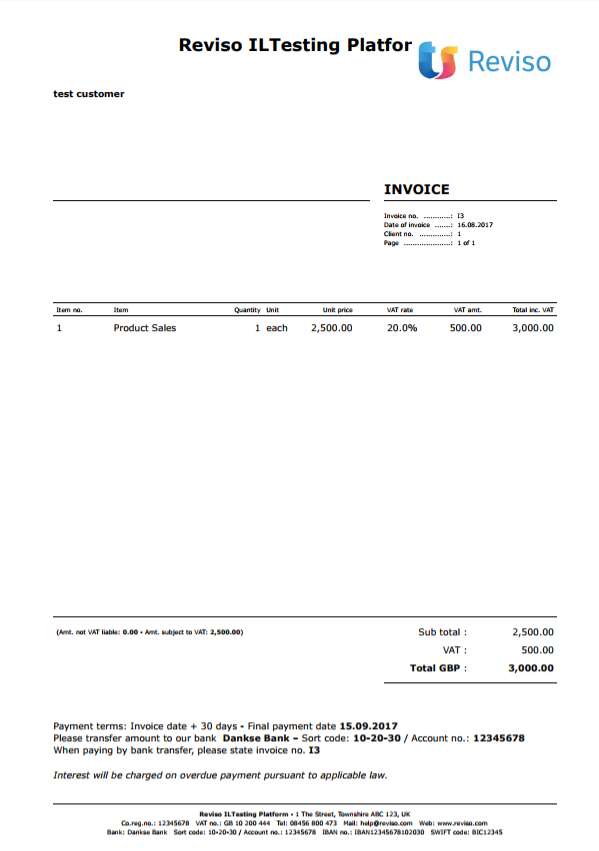
If you want to change the position of the logo on the page, go to Sales > Invoices > Design and layout.
If you have any further questions, please do not hesitate to contact us.