General journal shows all the accounting entries that have been saved along with invoices, payments, receipts, etc., organized by date and with their adequate numbering series.
How to access your general journal?
Go to Reports > Accounting > General journal to access your general journal.
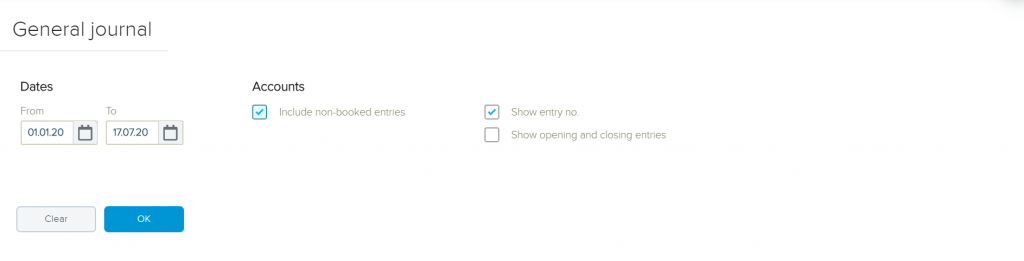
The search options available enable you to filter information based on a specific time period. In addition, you can choose whether or not to include non-booked entries. You do not need to book your entries to see them in your journal. Even if the accounting year is still open, the general journal still entails the entries. Once the search fields are defined, click OK and your journal will appear.
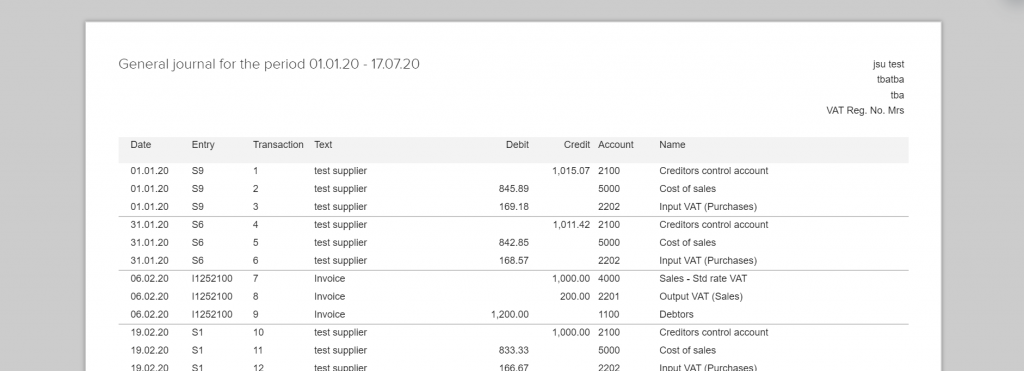
It is possible to download the list in PDF, Excel or directly print it out, just choose whatever you prefer.